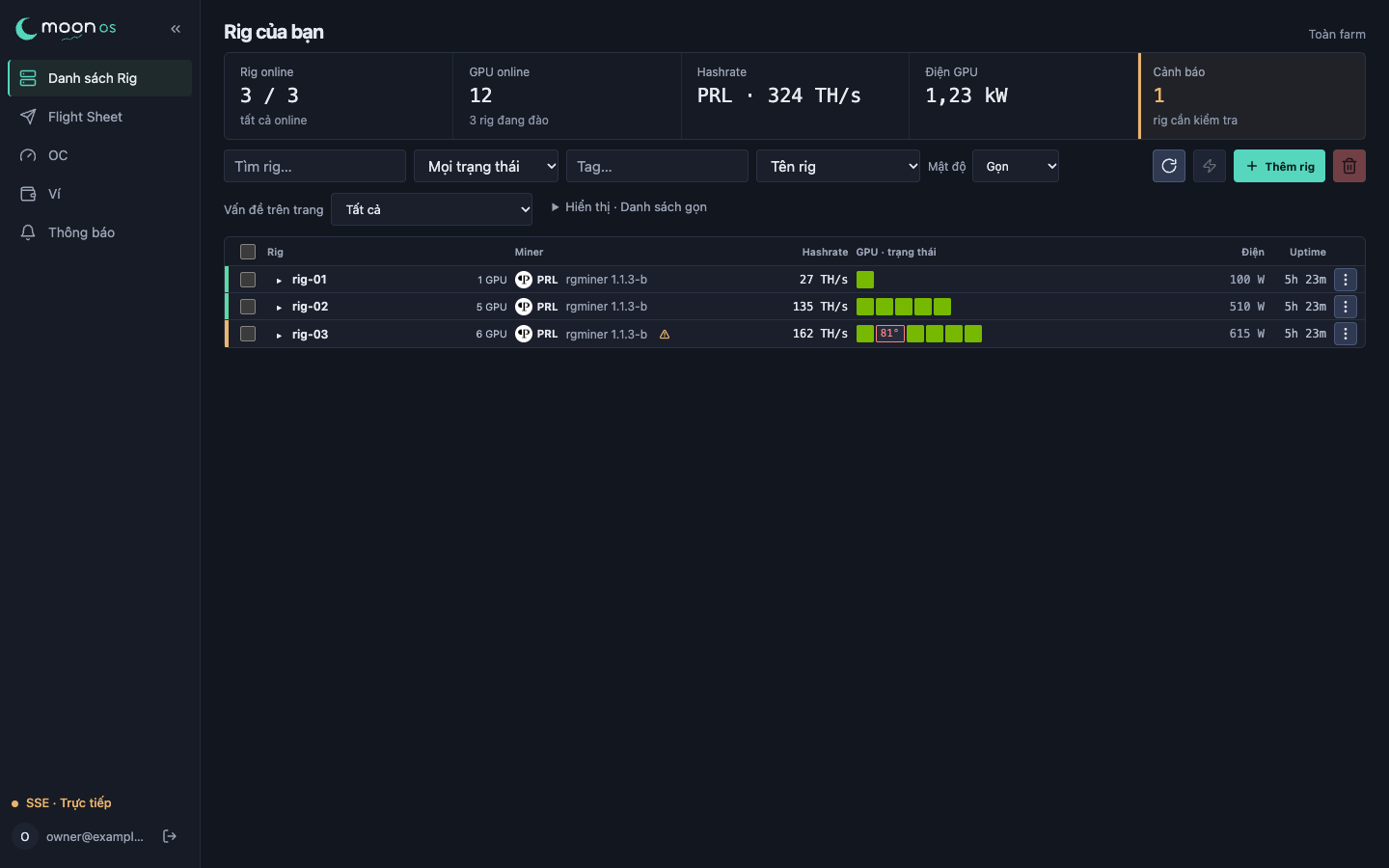
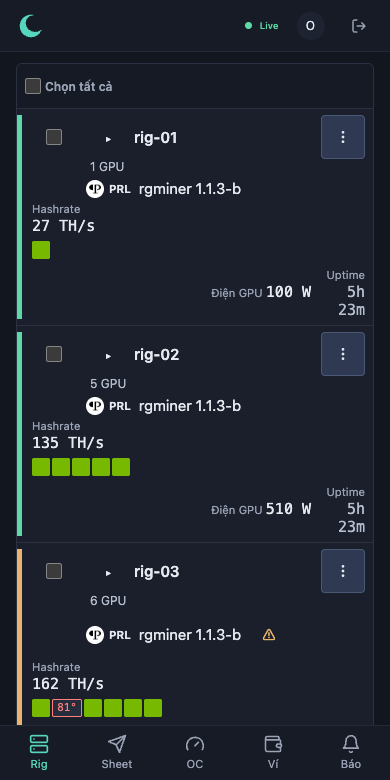
Moon OS interface with sample data. Click an image to view it in full.
The rig handles heat and faulty GPUs on its own
Temperature rises. The rig adjusts.
When the rig's Autofan is on, a hot GPU is handled in this order:
Above the target temperature (65 °C by default): fan speed goes up first.
Fan at maximum for one minute and still hot: the core clock drops in 25 MHz steps, up to 300 MHz.
Cooler again: the core clock is restored first, and only then does fan speed come down.
If a GPU reaches the critical temperature (85 °C by default), the miner stops and leaves that GPU out, then restarts with the remaining GPUs once they are below the critical temperature.
A GPU that drops off the rig, stops reporting its temperature or cannot be opened to apply OC is left out; the miner restarts right away with the remaining GPUs.
The rig page, the farm list (Danh sách Rig) and Telegram (if you have connected and enabled it) show which GPU was left out.
If a broken card hangs the miner, the rig reports that it needs a Reboot (cần Reboot rig). You click Reboot (Nguồn → Khởi động lại) once, and the miner restarts on its own with the remaining GPUs.
Get started with your rig.
Download the moonos.conf file from the Add rig (Thêm rig) page on the dashboard. Every rig in the farm uses the same farm key in this file.
Write the image to a USB drive, copy moonos.conf to it, then plug the USB drive into the rig and boot. If the rig cannot join the farm, its screen shows an 8-character pairing code to enter on the dashboard.
Create a Flight Sheet with coin, wallet, pool and miner, then apply it to many rigs.
The image is for x86-64 rigs with NVIDIA GPUs; it boots in UEFI or legacy mode, and UEFI needs Secure Boot turned off; USB drive of 8 GB or more. The image does not yet include a driver for cards older than the Turing generation. The rig needs a wired network with DHCP. See the hardware requirements.
Does Moon OS restart the rig on its own?
Moon OS does not run remote commands, does not flash VBIOS and does not update drivers on its own. Moon OS does not restart the rig on its own; the rig restarts only when you click restart on the dashboard. From image 0.9.26, the image loads the patched driver for CMP cards at boot; no reboot is needed to unlock them.
What does Moon OS do with my OC?
Moon OS checks OC against the limits the card reports before applying it, then reads back the applied values. A GPU you give its own OC runs exactly that OC; Autofan does not change its fan or clocks. The critical temperature still applies. See the OC guide.